Moodle 4.5 to 5 Upgrade: A UK Expert's Practical Checklist
Moodle 5.3 LTS is out, and 4.5 loses security in 2027. Database, /public folder, plugins, and rollback: what practically hinders your upgrade.
by Cleverson Gouvêa
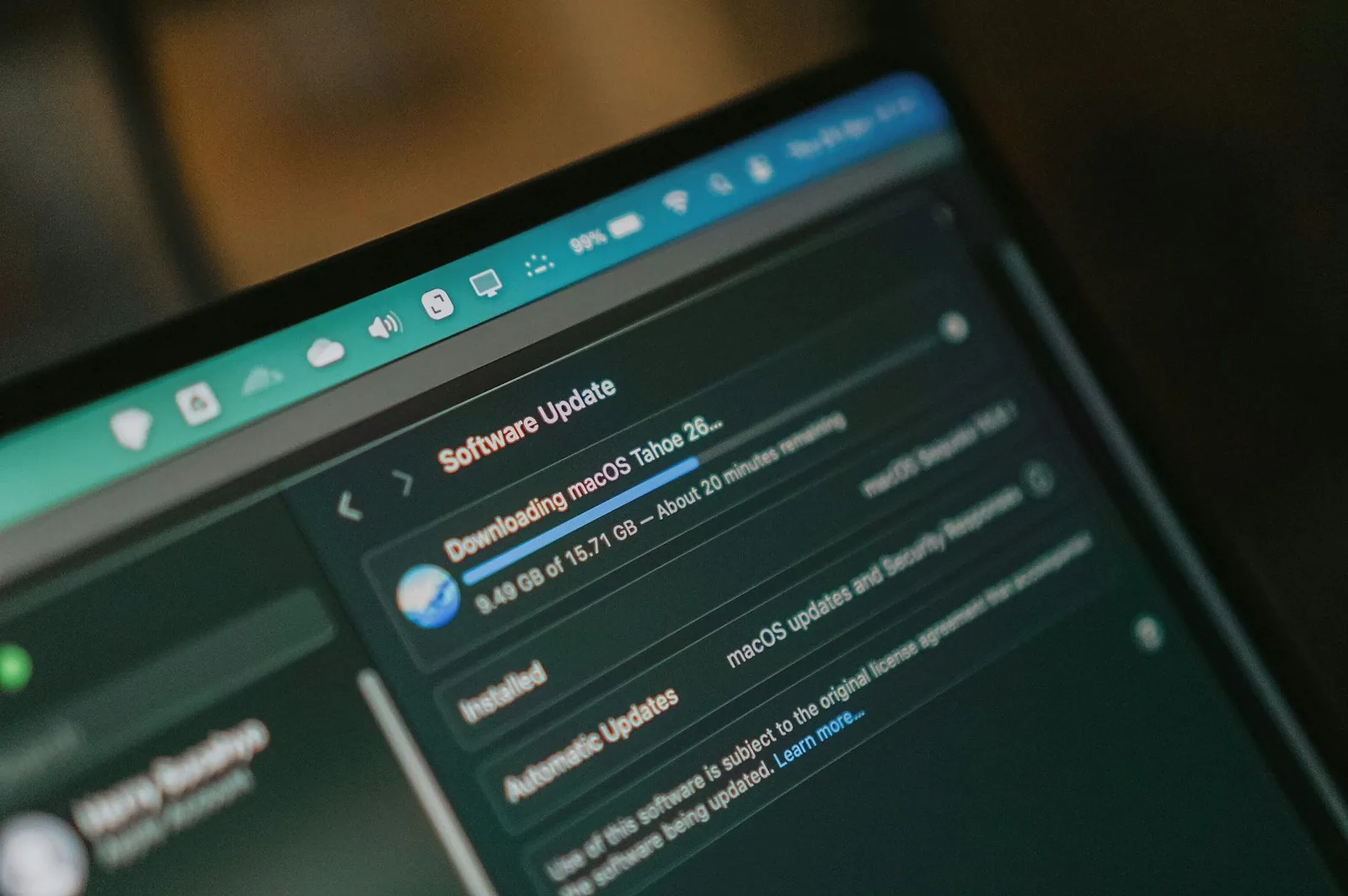
For those needing to upgrade Moodle 4.5 to 5 today, the decision is more significant than it appears: the correct destination, the accompanying database, and the public folder that changes the web server. Moodle 5.3 LTS was released on 05/10/2026, and the security window for 4.5 closes in October 2027. This is the checklist I follow, from inventory to rollback plan.
TL;DR
- Destination: Go for 5.3 LTS (security until 01/10/2029). Moodle 5.2 only has security until 04/10/2027, the same date as 4.5: you would do all the work without gaining a single day of support.
- Biggest hurdle: The database. Moodle 5.3 requires MariaDB 11.4, PostgreSQL 17, or MySQL 8.4, and PHP 8.3. Most servers running 4.5 do not meet these requirements.
- Most common breakage: The
/publicfolder (since 5.1), the mandatory router (r.php), and third-party plugins that need to be moved and updated.- Rollback: Moodle does not downgrade. Rolling back means restoring code,
moodledata, and the database from the exact same moment. Without these three, there is no plan B.- When: Validate in your staging environment now, deploy to production after 5.3.1 (expected 07/12/2026) and outside of exam week.
I have administered Moodle environments since 2008 and have guided institutions through several LTS cycles. The difficult part of upgrading is never the upgrade command itself. It's the server that no one has updated for years, the plugin a vendor abandoned, and the lack of a tested rollback path. This guide addresses these issues for those responsible for an institution's VLE (Virtual Learning Environment): e-learning or IT coordination.
Where to upgrade Moodle 4.5 to 5 in 2026: the calendar decides
LTS stands for Long-Term Support. Moodle releases two versions per year, in April and October, and one in every three is an LTS. Moodle 4.5 is the October 2024 LTS. The next is 5.3, just released. The dates below are published on the official Moodle releases page:
| Version | Release | General fixes until | Security until |
|---|---|---|---|
| 4.5 (LTS) | 07/10/2024 | 06/10/2025 | 04/10/2027 |
| 5.1 | 06/10/2025 | 05/10/2026 | 19/04/2027 |
| 5.2 | 20/04/2026 | 19/04/2027 | 04/10/2027 |
| 5.3 (LTS) | 05/10/2026 | 04/10/2027 | 01/10/2029 |
The important takeaway: 4.5 has not received common bug fixes since October 2025. Only security patches. And 5.2, which many people still consider "the stable version", loses security on the same day as 4.5.
Therefore, when someone asks me to upgrade Moodle 4.5 to 5 at this moment, the answer is almost always 5.3 LTS. A direct jump is supported: 5.3 accepts upgrades from Moodle 4.4 or higher, according to the 5.3 release notes. There is no mandatory intermediate step.
When does it make sense to stop at 5.2?
Almost never. The exception is an institution that needs a 5.2 feature immediately, has a critical plugin not yet declared compatible with 5.3, and accepts repeating the process in 2027. Otherwise, it's migrating twice to get to the same place.
Requirements: the server running 4.5 rarely runs 5.3
Here lies the number one reason for project delays. Requirements have increased with each release since 4.5, and 5.3 raised database requirements again. Comparing the official minimums:
| Component | Moodle 4.5 | Moodle 5.3 LTS |
|---|---|---|
| PHP | 8.1.0 | 8.3.0 (8.4 supported) |
| MariaDB | 10.6.7 | 11.4.0 |
| PostgreSQL | 13 | 17 |
| MySQL | 8.0 | 8.4 |
| SQL Server | 2017 | 2019 |
| Oracle | 19c | not supported (since 5.0) |
| Upgrade from | 4.1.2 | 4.4 |
Sources: release pages for 4.5 and 5.3.
Anyone upgrading Moodle 4.5 to 5 needs to look at the database first, as this is what often catches institutions off guard. Those who upgraded to 5.0 or 5.1 in 2025 moved to MariaDB 10.11 and thought it was resolved. For 5.3, the minimum became 11.4.0. For PostgreSQL, the floor went up to version 17.
The good news: the database calendar also improves
MariaDB 11.4 is supported until 29/05/2029 and PostgreSQL 17 until 08/11/2029, according to endoflife.date. This means the new database aligns with the end of support for 5.3 LTS. PostgreSQL 14, however, loses support on 12/11/2026, and MariaDB 10.6 already lost it in July 2026. If your server is still on these, the problem predates Moodle.
The three PHP requirements that break installations
- 64-bit PHP only. Rare on Linux, common on inherited Windows servers.
- Mandatory
sodiumextension. In many distributions, it comes in a separate package. max_input_varsgreater than or equal to 5000. The PHP default is 1000. With this, large forms, such as a crowded class's grade page, save partially without showing an error.
The complete details on CPU, RAM, and sizing are in our guide to Moodle 5.x server requirements. Before anything else, open Site administration → Server → Environment check: Moodle itself will show in red what prevents the upgrade.
The /public folder and the router: the change that requires web server configuration
Moodle 5.1 reorganised its files. Everything accessible via the web moved to a /public subfolder, with sensitive files remaining above it. Those upgrading Moodle 4.5 to 5 will not have experienced this before, so this entire step falls into your upgrade scope.
In practice, three things change:
- The DocumentRoot changes. The web server (Apache or Nginx) needs to point to
moodle/public, notmoodle. The official upgrade documentation is clear: without reconfiguring the server, the upgrade will not proceed. config.phpmoves to the root. It returns to the main Moodle folder, not insidepublic.- Third-party plugins need to be moved. Those already installed remain in the old location, above
/public. Each must be moved to the equivalent path within the new structure. The 5.1 notes explicitly state this.
The router is no longer optional
Along with the public folder came the Moodle router. According to the documentation Configuring the Router, the configuration is mandatory from 5.1 onwards. For Apache, this is a FallbackResource /r.php within the <Directory> block. For Nginx, a try_files $uri /r.php;. Afterwards, you inform Moodle with $CFG->routerconfigured = true; in config.php.
Forgetting the router won't bring down the entire site. It generates specific 404 pages and a "router not configured" alert in the environment check. This is the kind of defect that only appears days later when a teacher tries to open a rarely used screen.
What is removed from the core between 4.5 and 5.3
This is the item that pedagogical coordination needs to review before IT. When you upgrade Moodle 4.5 to 5, you inherit everything that has been removed from the core between versions 5.0 and 5.3, according to the official notes:
- Atto editor (5.0): TinyMCE takes over. Old content remains; what changes is the editor teachers use.
- Chat and Survey activities (5.0): Removed from the standard package. If any course uses them, decide what to do with the data beforehand.
- CAS authentication and all MNet plugins (5.0): If institutional login depends on CAS, this is a blocker. An alternative (SAML, OAuth 2) is needed before the upgrade date.
- MimeTeX filter (5.2): Those using TeX formulas need to check the configured filter.
- Classic theme (5.3): Anyone still running Classic, or a child theme of it, needs to migrate to Boost or a compatible custom theme.
None of these items appear as errors during the upgrade. They appear as teachers complaining on Monday morning. That's why they go into the inventory, not on the day of the switchover.
Plugins: the inventory that dictates the timeline
In almost every project to upgrade Moodle 4.5 to 5 that I lead, the schedule is defined by the most delayed plugin, not by Moodle itself. The process that works:
1. List everything that is not core
In Site administration → Plugins → Plugins overview, filter for additional plugins. Export the list. For each, note: who maintains it, installed version, if it's in use, and which course depends on it.
2. Classify into three groups
- Compatible: The Moodle plugins directory already declares support for 5.3. Download the new version.
- No sign of life: Last version is old, author unresponsive. This is the real risk. Either someone takes over maintenance, or the plugin is removed.
- Custom-built: Developed for the institution. Requires code review against deprecated APIs, which 5.2 marked as final removal of old methods from versions 2.x, 3.x, and 4.x.
3. Cut what no one uses
Installed but unused plugins are just an upgrade cost. Upgrading Moodle 4.5 to 5 is the best time to uninstall what's left from old projects. Fewer plugins mean less attack surface and less testing time.
Checklist for upgrading Moodle 4.5 to 5 without surprises
This is the sequence I follow. It starts with a staging environment, a faithful copy of production where everything is tested first.
Before (2 to 6 weeks)
- Run the environment check pointing to 5.3.
- Upgrade PHP 8.3 and the new database (MariaDB 11.4 or PostgreSQL 17) in the staging environment.
- Clone production to staging: code,
moodledata, and database. - Inventory plugins and resolve any blockers.
- Test critical workflows with real teachers: quizzes, assignment submissions, gradebook, certificate issuance, automatic enrolment.
- Measure the upgrade time in the staging environment. This number defines the maintenance window.
On the day
- Notify students and teachers in advance, with the date and time of the downtime.
- Activate maintenance mode. The upgrade script does not do this automatically.
- Perform a full backup of all three items (see the next section).
- Replace the code, copy
config.phpto the root, move plugins into/public. - Adjust DocumentRoot and router in the web server.
- Run the upgrade from the command line with
php admin/cli/upgrade.php, the option recommended by the documentation for large sites. - Purge caches, review the environment check, and test critical workflows before going live.
After (first week)
After upgrading Moodle 4.5 to 5, monitor PHP error logs, scheduled tasks (cron), and response times. Large upgrades often rebuild indexes and caches, and the first day of real use is heavier. If the VLE becomes sluggish, the Moodle slow diagnosis guide helps separate upgrade issues from old infrastructure problems.
Rollback: the plan B that must exist before starting
Before upgrading Moodle 4.5 to 5, know this: Moodle has no downgrade. Once the upgrade writes the new version to the database, the old code refuses to run on it. Rolling back means restoring the entire previous state.
The official documentation lists the three backup items, and all must be from the exact same moment:
| Item | What it is | How I do it |
|---|---|---|
| Code | The Moodle folder with plugins and config.php |
Keep the old folder intact and upload the new one alongside it |
| moodledata | Uploaded files, caches, sessions | Copy with rsync with the site in maintenance mode |
| Database | All tables | Full dump (or volume snapshot) after activating maintenance mode |
Three rules that make rollback real, not just an intention:
- Test restoration in the staging environment. An untested backup is a hypothesis. We have an entire article on this: Moodle backup and restoration routine.
- Define the rollback criterion beforehand. Example: if within two hours after the upgrade the quiz or gradebook doesn't work, roll back. Decided the day before, not at 11 PM with the director on the phone.
- Anything entered after the upgrade is lost in a rollback. That's why release to students only happens after final tests.
When NOT to upgrade now
Upgrading Moodle 4.5 to 5 is mandatory by October 2027 for those who want to continue receiving security patches. Doing it this week, no. Hold off on the upgrade when:
- It's exam week, grade submission, or the start of a semester. The right window is when usage is lowest, and that's in the academic calendar, not IT's.
- A critical plugin doesn't have a version for 5.3. Running the new Moodle without integration with the academic system is worse than waiting a few months.
- There's no staging environment. Direct upgrade in production, skipping three change cycles, is a gamble.
- You're thinking of going live on release day. Moodle 5.3.0 has just come out. The official calendar predicts 5.3.1 for 07/12/2026. Validating now and going live after this first correction is the pace I recommend.
Waiting too long also costs. Those who leave it until September 2027 will compete for the window with the semester itself and, days later, be without security patches.
How Agathas Web resolves this
Upgrading Moodle 4.5 to 5 is exactly the type of project described on our Moodle services page. Our team holds the Moodle Developer Certification from Moodle Academy and conducts migrations between versions, from the 3.x line to 5.x, and between servers. We are an independent services company, not a Moodle Partner.
In practice, the process is this:
- Free 1-hour diagnostic. We understand your current version, server, plugins, integrations, and academic calendar.
- Technical proposal. A document outlining the target version, necessary infrastructure, a list of plugins and what to do with each, timeline, and investment. Pricing considers database complexity and data volume, and the proposal is delivered within 5 business days.
- Staging and execution. We set up the production copy, resolve plugins and themes, test with your team, and execute the switchover within the agreed window, with backup and rollback criteria defined beforehand.
- Post-go-live monitoring. We stay close during the first few weeks.
For those who prefer not to go through this cycle by cycle, we offer monthly SLA support: security and version updates, 24/7 monitoring, verified backup, and WhatsApp support during business hours, starting from £800/month. Custom plugin code and data remain with the institution, without lock-in. If the server is the bottleneck, our Moodle hosting comes with PHP, database, and cache adjusted for the new version.
To schedule your diagnostic, use the form or WhatsApp on the Agathas Web Moodle services page.
Conclusion: upgrading Moodle 4.5 to 5 is a project, not a command
The path in one sentence: go directly to 5.3 LTS, start with the database and PHP, treat the /public folder and router as part of the scope, inventory plugins before setting a date, and only go live with a tested rollback plan.
The real deadline is 04/10/2027, when 4.5 stops receiving security patches. For an institution with two semesters in between, that's less time than it seems. Those who start validation now can calmly go live during the recess. Those who leave it until later will upgrade Moodle 4.5 to 5 in a rush, and rushing is where upgrades go wrong.
If you want a realistic timeline for your environment, request a free diagnostic on Moodle services. You'll leave with a target version, a list of blockers, and a suggested window.
Related posts

Moodle Accessibility in the UK: WCAG 2.2 Compliance Without Reworking Courses
The Moodle platform is already WCAG 2.2 AA accredited. The liability lies in your courses — and it can be fixed by priority, in 90-day cycles.

Moodle on AWS vs Managed Hosting: Unpacking the True Cost for UK Firms
The EC2 bill is the floor, not the price. Egress, NAT Gateway, and staff hours decide this comparison — and almost no one calculates them.

Moodle Backup: The Essential Routine That Safeguards Your UK Organisation
Database, moodledata, and code: what to copy, how often, and how to verify restoration works before disaster strikes.