One UI 8.5: Samsung's 2026 AI Update Lands in the UK
One UI 8.5 brings Ambient Design, Bixby + Perplexity, Quick Share with AirDrop and real-time Audio Eraser. See what changes and which Galaxy devices get it.
by Cleverson Gouvêa
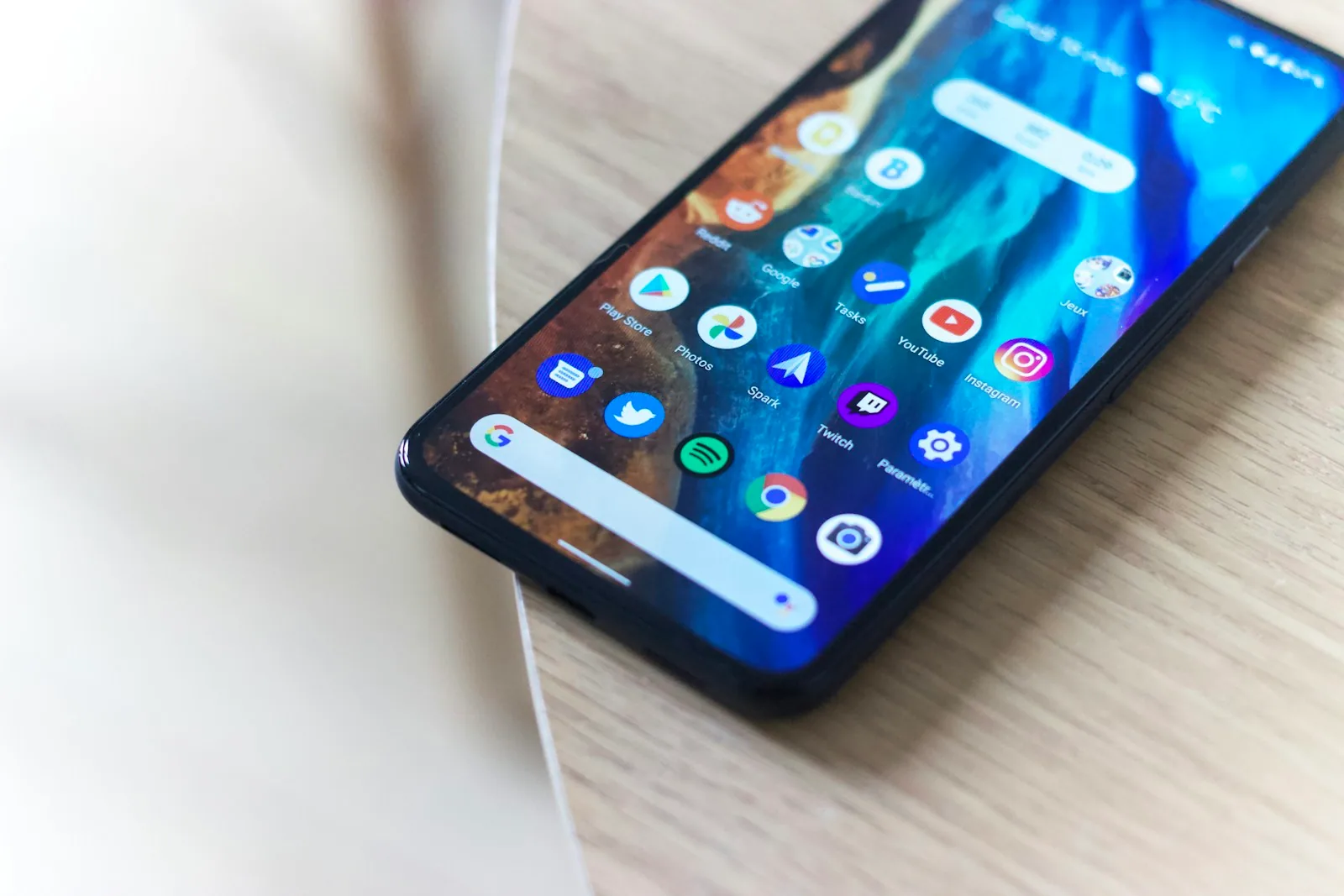
Samsung began rolling out One UI 8.5 globally in May 2026, and the update carries more weight than the version number suggests. It's the biggest visual overhaul since One UI 7, integrates Perplexity into Bixby, opens Quick Share to AirDrop, and turns the camera into an AI studio. If your Galaxy is on the compatible list, it's worth understanding what changes — and why this "point-five" release matters more than many 8.0s.
TL;DR
- One UI 8.5 started rolling out on 6 May in Korea, 11 May in the rest of the world (USA, Europe, Latin America and India) and 18 May for more devices.
- Brings Ambient Design (translucent interface with blur, floating bars and pill-shaped controls), Bixby powered by Perplexity, AI Call Screening and Photo Assist with text prompts.
- Quick Share now talks to AirDrop — Galaxy sends to iPhone, iPad and Mac without extra apps.
- Audio Eraser is now system-wide and real-time, working inside streaming and social media apps.
- A/M/F lines only get it in June; Galaxy S22, S23, S24, S25, Z Fold/Flip 4 to 7 and Tab S8 to S11 are on the official list.
What is One UI 8.5 and when does it reach your Galaxy?
One UI 8.5 is an intermediate version of Samsung's system based on Android 16. It's not a major new version — that's One UI 9, expected in late 2026 with the next generation of Android — but it's the kind of "point-five" update Samsung historically uses to push significant changes to the installed base before the next hardware cycle.
The release followed the usual pattern: Korea first, on 6 May, and the rest of the world from 11 May. A second wave on 18 May covered more SKUs. Those on Galaxy A, M or F lines should only receive it from June onwards. In the UK, arrival comes in waves depending on network and model number. If you don't want to wait, you can force the check in Settings → Software update → Download and install.
One observation: Samsung is this time synchronising much of the release with Korea rather than leaving the rest of the world waiting weeks. A welcome change for those who bought flagship devices and got tired of seeing others receive updates first.
Ambient Design — the biggest visual overhaul in years
The most eye-catching novelty in One UI 8.5 is Ambient Design, Samsung's new visual language. The core idea is simple: the interface stops "competing" with content. Instead of solid status bars, rigid navigation and sharp corners, the system now uses translucent blur, pill-shaped controls, floating bars that disappear when scrolling and rounded corners on almost everything.
In practice this appears in Settings, Dialler, Gallery, Calculator, Samsung Internet, Notes and Messages. The search bar has moved to the bottom in most of these apps — an obvious choice for phones over 6.5 inches and one-handed use. The result is a feeling of "iOS done right": Samsung in form, not a copy.
Why this changes usage
It's not just aesthetics. The status bar and navigation bar now blend with the app's UI, giving back usable screen area. In videos, games and reading the difference is visible. There are also subtle accessibility gains: pill-shaped controls have larger touch areas and better contrast calibration with the background.
Bixby with Perplexity — goodbye mediocre assistant
The integration that really matters in One UI 8.5 is Bixby + Perplexity. Samsung's assistant was always the market joke; now it does real-time web search, responds with source citations and handles complex questions that previously caused it to stall.
More than that: the new Bixby executes multi-app tasks in natural language. You can say "find a recent photo of my dog and email it to Amara" and the assistant opens Gallery, identifies the dog, opens the email app, attaches and sends. It's no longer command-response — it's an agent that operates the phone.
For those already using Gemini on pure Android or Apple Intelligence on iPhone, the gap has closed. The practical difference is that Bixby has intimate access to Samsung's internal APIs, so integrations with Gallery, Health, Notes and Calendar work with low latency and without extra permissions.
AI Call Screening — Bixby answers calls for you
Another addition worth testing in One UI 8.5: AI Call Screening. When a call comes in from an unknown number, Bixby can answer, ask who it is and why, and display the live transcript on screen. You decide whether to take the call or ignore it.
It's the same idea as Pixel's for years, but its arrival on the Galaxy base carries weight. In the UK, with the epidemic of robocalls and phone scams, the feature goes from "nice to have" to "essential". It works in English and the transcription is processed locally — no audio goes to the cloud, which matters for those handling sensitive client data.
Now Bar, Now Brief and Now Nudge — the "now" ecosystem
One UI 8.5 matures the "Now" features that appeared in One UI 7. Three pieces worth highlighting:
- Now Bar: the floating strip at the top of the screen shows live activities (music, timer, navigation). In 8.5 it gains the torch icon when active, so one tap turns it off from any screen instead of pulling down the Control Centre.
- Now Brief: the daily summary widget gains new visual styles, a horizontal carousel for YouTube recommendations and a "Torch on" card if you leave the torch on in your pocket.
- Now Nudge: contextual analysis of what's on screen. If you're in a conversation about dinner plans, it suggests a reservation, route or calendar entry automatically.
These are small frictions removed. Each in isolation is trivial — together, they change the relationship with the device.
Photo Assist, Creative Studio and Object Transfer — the camera becomes a studio
The imaging part is where One UI 8.5 most aggressively raises the bar. Three main changes:
- Photo Assist now accepts text prompts. Previously you drew a "scribble" and hoped the AI got it right — now you write "add a sun in the top right corner" and it understands. It also supports continuous editing: change the mood, add an object, remove the background, all in one session without saving a version at each step.
- Creative Studio: a new app focused on content creation. It packages generation and editing in a single interface, closer to what a mobile Canva would do.
- Object Transfer: move a person or object from one photo to another, within Gallery, without third-party apps.
The honest reading: Samsung is wrapping the same tools that exist in standalone apps (Photoroom, Remini, Canva) into an integrated, free experience. For those managing a shop, school, social media content or classroom materials in their routine, it's time saved.
Real-time Audio Eraser — system-wide
Audio Eraser existed since One UI 7 as a post-production tool for videos in Gallery. In One UI 8.5 it becomes a system-wide, real-time feature. It works inside video calls, Instagram lives, TikTok streams, Twitch broadcasts and any app using the microphone.
It's the kind of feature that seems like a detail but changes the perception of device quality. Those recording lessons, holding meetings in noisy environments or live-streaming from their phone feel it immediately. In the early weeks, community users are already using it for Discord and Google Meet calls without an external noise canceller.
Quick Share + AirDrop — end of the Android vs iPhone file war
For a decade, transferring a photo from a Galaxy to an iPhone meant WhatsApp or email. One UI 8.5 connects Quick Share to AirDrop. Galaxy shares directly with iPhone, iPad and Mac, without an intermediary app.
Interoperability first arrived on the Galaxy S26 line, and now comes down to the S25 with stable 8.5 and continues to Z Fold/Flip and Tab S in the following weeks. It works via Apple's own protocols, and according to Samsung requires nothing on the iOS side — the iPhone recognises the Galaxy as a valid AirDrop device in peer discovery.
For mixed meetings, rooms with Mac and Galaxy, or families with devices from different brands, it's the friction that added up most in daily life and has now fallen away.
Eligible devices and when to expect the update
The official One UI 8.5 list covers a broad range of devices. Summary table:
| Line | Eligible models | Arrival window |
|---|---|---|
| Galaxy S | S25, S25+, S25 Ultra, S25 FE, S24, S24+, S24 Ultra, S24 FE, S23, S23+, S23 Ultra, S23 FE, S22, S22+, S22 Ultra | May-June 2026 |
| Galaxy Z (foldables) | Z Fold7, Z Flip7, Z Flip7 FE, Z Fold6, Z Flip6, Z Fold5, Z Flip5, Z Fold4, Z Flip4 | May-June 2026 |
| Galaxy Tab | Tab S11, S11 Ultra, Tab S10+, S10 Ultra, S10 FE/FE+, S10 Lite, Tab S9 (all variants), Tab S8 (all variants) | May-July 2026 |
| Galaxy A / M / F | A56, A55, A54, A53, A36, A35, A34 and equivalent M/F | June 2026 onwards |
The Galaxy S22 made the cut thanks to Samsung's commitment to four major Android versions (the S22 launched with Android 12, receives up to 16 within 8.5). It's its last cycle — those with an S22 will get a few more years of security patches, but won't receive One UI 9.
What One UI 8.5 means for businesses and productivity
Those using the Galaxy as a work tool — customer service, sales, field support, education — find three direct gains in One UI 8.5:
- AI Call Screening filters spam and robocalls before they reach the operator.
- Quick Share with AirDrop eliminates the friction of file exchange with clients on iPhone.
- Real-time Audio Eraser improves the quality of online lessons, video call support and meetings with poor audio.
For teams operating on WhatsApp with high volume, it's worth remembering that the app still has restricted business usage rules — a phone OS update doesn't change that. If your operation has grown beyond two agents or uses automation, the serious route is the Official WhatsApp API. And if you're paying per agent on some platform, it's worth reviewing: per-agent pricing no longer makes sense in the WhatsApp context of 2026.
Conclusion — the road to One UI 9
One UI 8.5 delivers what usually only comes in a major "x.0" release: a redesigned interface, a rebuilt assistant and real cross-platform integrations. It's the update that prepares the ground for One UI 9, expected in late 2026 with the next Galaxy S26 and Android 17. If your Galaxy is on the list, updating isn't optional. If it hasn't arrived yet, it should drop in the next OTA cycle — worth checking manually in Settings → Software update.
For those using the Galaxy in a professional context, the reading is simple: Samsung has raised the bar. The AI features are now usable, the friction with the Apple ecosystem has dropped and the interface breathes better. Worth the download.
Related posts

AI Definition 2026: What UK Businesses Need to Know
Is your chatbot AI in the eyes of the law? Three 2026 regulations hinge on that answer—and most UK companies aren't ready.
Midjourney V8.2: AI Ad Creatives for UK Marketers in 2026
Draft mode, V8.2, commercial licence and the billion-dollar Hollywood lawsuit: a practical guide to Midjourney for anyone producing ad creatives.
Perplexity AI in 2026: Ready Your Website for AI Agents
Two August 2026 rulings change how AI agents read and use your website. Here's what to do now, in practice.