One UI 8.5 Update: How to Install and Who Gets It in the UK
Who gets the One UI 8.5 update, when it arrives on your Galaxy, how to install it without errors, and what really changes.
by Cleverson Gouvêa
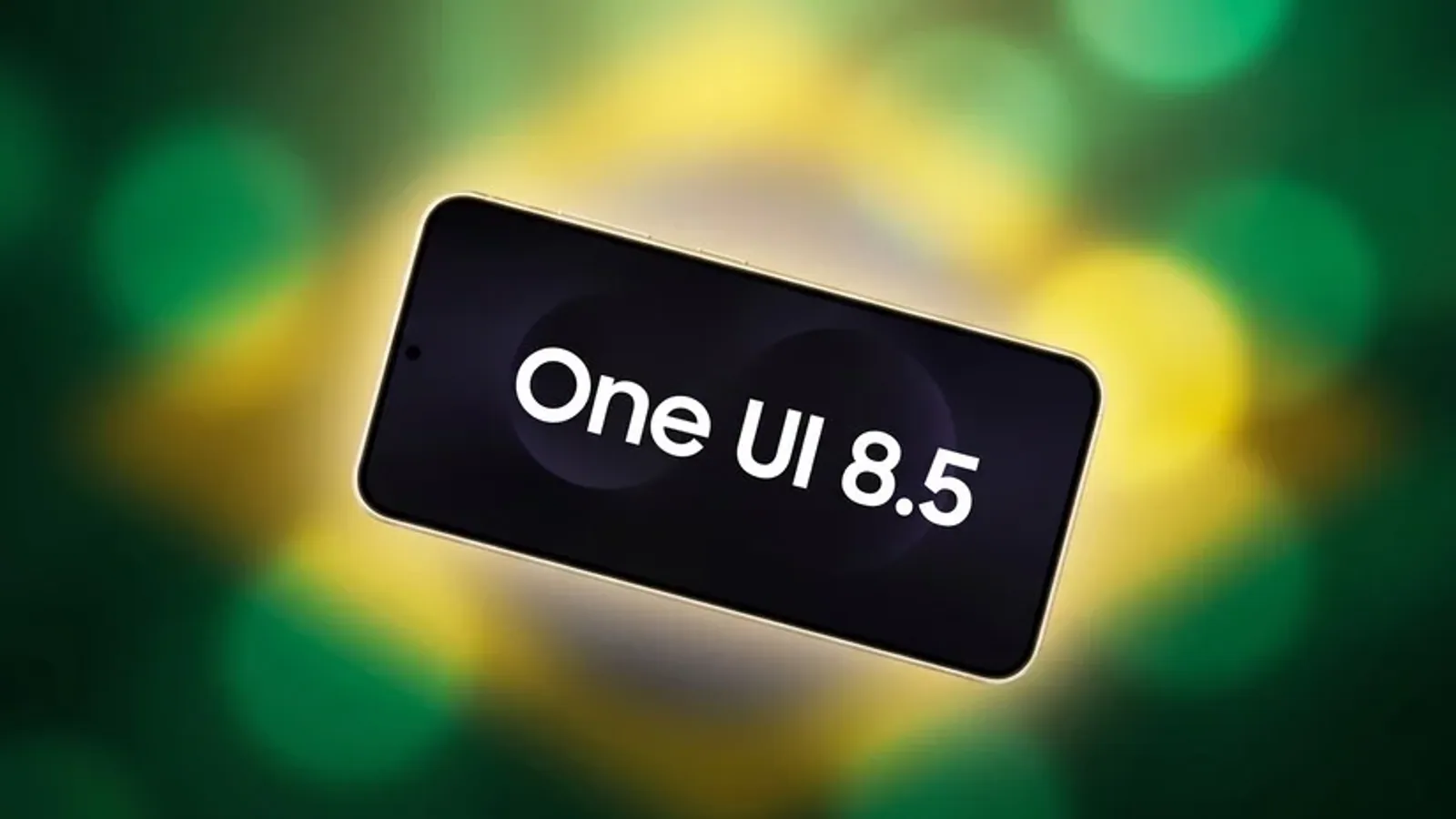
The One UI 8.5 update is the biggest software leap Samsung delivers for the Galaxy line in 2026 — and since 11 May, it has already reached phones in the UK. If you own a Galaxy and haven't seen the update notification yet, this guide shows who gets it, when they get it, how to install it hassle-free, and what actually changes day-to-day.
TL;DR
- The One UI 8.5 update started in South Korea on 6 May 2026 and went global on 11 May.
- First wave: Galaxy S25, S24, Z Fold7/Flip7, Z Fold6/Flip6, and the Tab S11 and Tab S10 tablets.
- Mid-range (A/M/F) lines receive it from June 2026, with a subset of AI called "Awesome Intelligence".
- Highlights: Creative Studio, Now Nudge, real-time Audio Eraser, Call Screening, and AirDrop via Quick Share.
- The package includes the May 2026 security patch, which fixes 39 vulnerabilities.
What is the One UI 8.5 update and why it matters
One UI is the software layer Samsung places on top of stock Android. The One UI 8.5 update doesn't change the underlying Android version — it's an intermediate release built on Android 16, focused on Galaxy AI features and interface refinement. In practice, it's one of the biggest "point-five" releases in the company's history.
You can measure that by the development time. The beta started in December 2025 and went through ten builds before the stable version — the longest testing cycle Samsung has ever run for a One UI. That care makes sense: 8.5 touches telephony, keyboard, file sharing, and almost the entire AI stack of the device at once.
For the average user, the takeaway is simple. This isn't a cosmetic update with a new wallpaper. It's a shift that transforms the Galaxy into a more agentic device, capable of executing end-to-end tasks rather than just responding to isolated commands — the same direction we saw in Android 17 announced in May.
Timeline: when the One UI 8.5 update reaches your Galaxy
Samsung distributes any One UI in waves, by model and region. Those expecting the update to appear on the same day for everyone are often disappointed. Here's the confirmed timeline so far:
- 6 May 2026 — official start in South Korea, with the Galaxy S25 series leading.
- 11 May 2026 — global wave opens, covering Europe, India, North America, Latin America, Southeast Asia, Hong Kong, and Taiwan. The UK is included here.
- From June 2026 — arrival on the more affordable A, M, and F lines, in phases throughout the month.
By the end of May, mid-range models like the Galaxy A26 and A17 had already started receiving the One UI 8.5 update, a sign that the entry-level timeline is ahead of schedule. If your device hasn't received it yet, be patient: phased distribution can take a few weeks to reach your specific model, carrier, and country combination.
Devices compatible with One UI 8.5
The list of eligible devices grew quickly after launch. The table below summarises the main families and their expected windows:
| Line | Key models | Arrival window |
|---|---|---|
| Galaxy S | S25 (full series), S24, S23 | May 2026 (S25/S24 first) |
| Foldables | Z Fold7, Z Flip7, Z Fold6, Z Flip6 | May 2026 |
| Tablets | Tab S11 (series), Tab S10 (series) | May 2026 |
| Galaxy A / M / F | A57, A56, A55, A54, A37, A36, A35, A34, A26, A17 and equivalent M/F | June 2026 |
An important detail separates the two groups. The flagship models receive the full Galaxy AI package. Meanwhile, devices from the A, M, and F lines get a reduced set of features under the Awesome Intelligence label — selected AI functions, not the entire suite. Models launched before 2023 are unlikely to make the list.
If you're wondering whether the investment is worth it on an older device, the criterion is straightforward: the closer to the S or Z line, the more complete the AI experience. For the rest, 8.5 still brings security and interface improvements that justify updating.
How to install the One UI 8.5 update step by step
Installation is trivial once the update has been released for your model. The most common error isn't in the process — it's starting without preparing the device.
Before you start (requirements)
- Battery above 50% or the charger connected.
- Stable Wi-Fi connection — the 8.5 package is large, and downloading over mobile data is expensive and slow.
- Free internal storage: free up a few gigabytes beforehand, otherwise the system will block installation.
Step-by-step
- Open the Settings app on your Galaxy.
- Scroll to Software update.
- Tap Download and install.
- The device checks Samsung's official servers. If the One UI 8.5 update is available for your model, confirm the download.
- Wait for the download to finish and tap Install now when prompted.
- Do not turn off or force a restart during the process. The device will reboot on its own.
The first boot after installation is usually slower — that's normal. The system is optimising apps and settings in the background. Within a few minutes, everything returns to normal pace.
How to confirm it worked
Go to Settings > About phone > Software information and check if the version shows One UI 8.5. If it does, the update was applied successfully. If it hasn't been released yet, avoid forum "tricks" that tell you to clear server cache — they rarely work, and waiting resolves it on its own.
The AI features that justify the update
At its core, 8.5 is a release about artificial intelligence. These are the features that most change your routine:
- Creative Studio — a dedicated app that generates wallpapers, stickers, profile pictures, and cards from a photo, a sketch, or text. It's the evolution of the old Drawing Assist, now with a much larger scope.
- Now Nudge — an AI layer on the Samsung keyboard bar that suggests actions based on what's on screen. Chatting about dinner? It offers to schedule. Someone sent a number? It suggests saving the contact.
- Real-time Audio Eraser — previously limited to Gallery videos, it now removes background noise live inside third-party apps like YouTube, Instagram, TikTok, and Netflix.
- Call Screening — when an unknown number calls, Bixby can answer for you, ask who it is and why, and show the live transcript on screen. You decide to join the call or ignore it.
- Agentic Bixby — the assistant can now execute multi-step tasks across apps with natural language. "Find a recent photo of my dog and email it to Amara" becomes a single instruction.
- AirDrop via Quick Share — you can send files directly to iPhone, iPad, and Mac using AirDrop through Quick Share, without a third-party app. A "Share with Apple devices" button appears in settings after the update.
- Family Device Sharing — Quick Share, Camera Share, Storage Share, Auto Hotspot, and Multi Control are now combined into a single feature.
If you want a deeper dive into just the AI features and how they compare to what the competition offers, I've written a dedicated piece at One UI 8.5: Samsung's AI features.
May 2026 security patch included in the package
Those who skip updates out of laziness forget the invisible part: security. The One UI 8.5 update includes the May 2026 security patch, which fixes 39 vulnerabilities. Of these, 29 are Android flaws resolved by Google and 10 are Samsung-specific fixes for the Galaxy ecosystem.
In practice, this means closing holes that could be exploited by malicious apps or remote attacks. For a device that holds your bank, corporate email, and two-factor authentication, this patch alone is reason enough to update — regardless of the new AI features.
When NOT to update right now (common pitfalls)
Updating is almost always the right thing to do, but there are scenarios where it's worth waiting a few days:
- You're on the beta — if you joined the 8.5 beta programme, migrating to the stable version sometimes requires a wipe. Do a full backup first.
- Storage nearly full — without free space, the update fails midway and causes boot loops. Clean up beforehand.
- Work-managed device — phones with corporate MDM may have updates blocked by IT. Don't force it; talk to the responsible team.
- First hours of the wave — with any major release, occasional bugs appear in the first few days. If your Galaxy is your sole work tool, waiting 48 to 72 hours reduces the risk of hitting a launch issue.
None of these are reasons to never update. They're just reasons to choose your timing carefully.
What One UI 8.5 signals for businesses
At Agathas Web, I follow every mobile system release with one technical eye and another on what it means for product builders. The 8.5 reinforces a trend I've been repeating to clients: on-device AI is no longer a gimmick — it's become an execution layer. When Bixby resolves multi-app tasks on its own and the keyboard anticipates actions, users will expect that same level of automation within your app or your service.
It's the same movement we see in the Google ecosystem with Gemini Spark AI agents. Those offering a manual, clunky flow will seem dated next to an operating system that already understands context. For businesses, the lesson of the One UI 8.5 update isn't about a phone — it's about the experience bar the market now treats as standard.
Conclusion: is it worth updating?
Yes. For flagship models, 8.5 delivers the full Galaxy AI package and a robust security patch. For the mid-range, even with the reduced Awesome Intelligence, the security and interface gains are worthwhile. The path is simple: confirm your model is on the list, prepare your device with battery and storage, and install over a stable Wi-Fi connection.
If your business wants to turn this new automation benchmark into a product — app, service, or AI integration — talk to us. That's exactly the kind of bridge between cutting-edge technology and business results that Agathas Web has been building for over 15 years.
Related posts

AI Agents for Businesses: From Pilot to Production in 2026
80% of large Brazilian companies have already reversed an AI deployment. Discover common pitfalls and how to build a resilient pilot.
AI Definition 2026: What UK Businesses Need to Know
Is your chatbot AI in the eyes of the law? Three 2026 regulations hinge on that answer—and most UK companies aren't ready.
Midjourney V8.2: AI Ad Creatives for UK Marketers in 2026
Draft mode, V8.2, commercial licence and the billion-dollar Hollywood lawsuit: a practical guide to Midjourney for anyone producing ad creatives.