Moodle App 5.1 in 2026: What's New and When to Go White Label in the UK
The official Moodle App received two major updates in 2026. Here's what changed and when a white label app makes sense for UK institutions.
by Cleverson Gouvêa
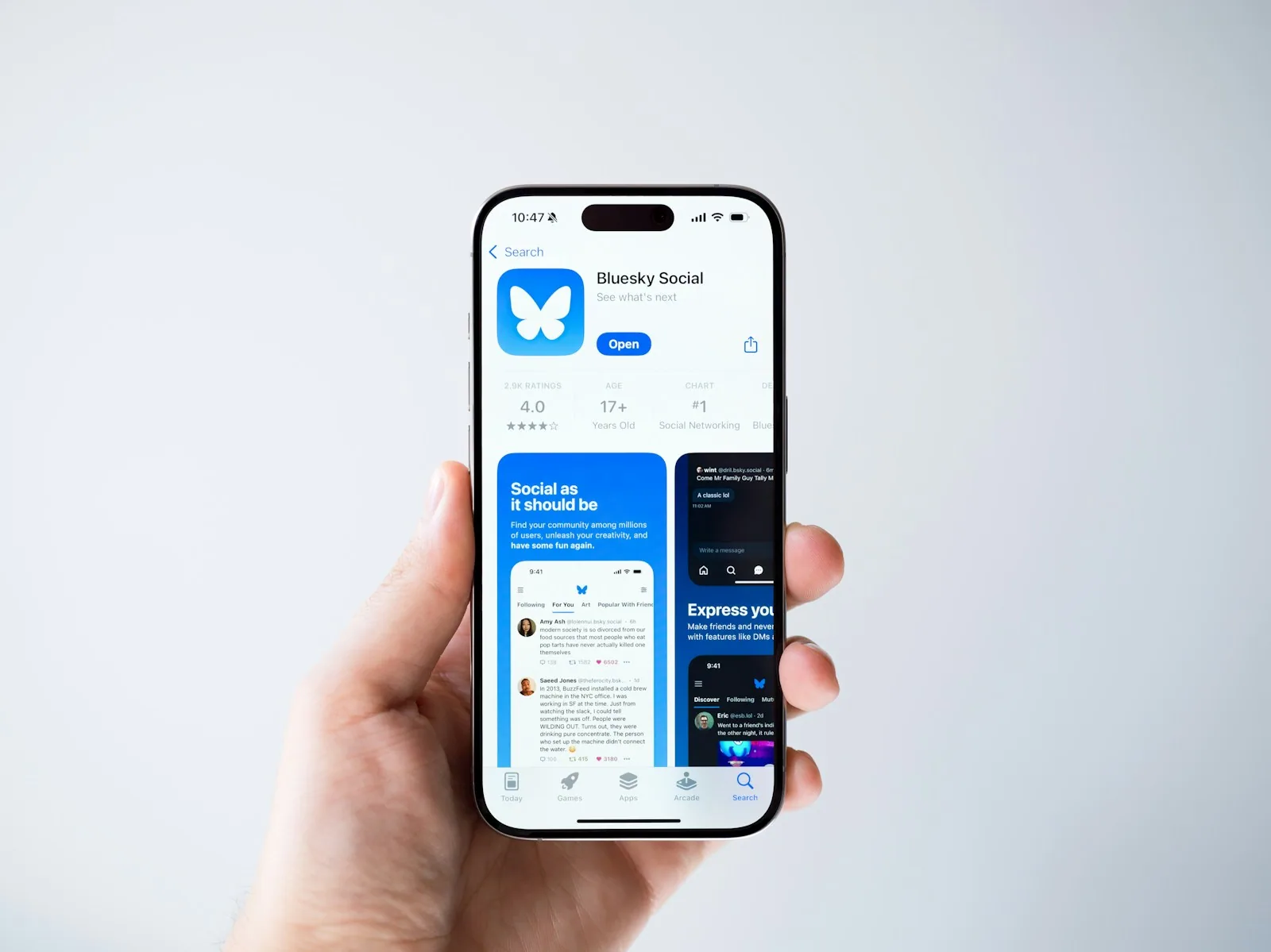
The Moodle App 5.1 was released on 9 January 2026 and, three months later, received a silent maintenance patch. For those running large-scale distance learning, these releases are more than just technical changelogs: they affect UX, QR-based enrolment engagement, and entire mobile roadmaps. In this article, I break down what actually changed in Moodle App 5.1, what it unlocks for Bootstrap HTML content, and — perhaps most importantly — when the official app stops making sense for your institution.
TL;DR
- Moodle App 5.1.0 was released on 9 January 2026 with profile photo editing, improved QR, Bootstrap 4/5 support, and Android 15 compatibility.
- Under the hood, the stack moved to Angular 20 and Android SDK API 36, setting the stage for the next 18 months.
- The official app is free and covers the basics, but it still carries Moodle's branding — logo, splash screen, icon, push notifications, and store listings.
- For institutions with their own brand identity, paid marketing, or subscription fees, the path remains a white label Moodle app.
- At the end of the article, I provide a side-by-side comparison and a decision roadmap.
From release 5.0 to 5.1.1: Moodle App timeline in 2026
The 2026 cycle began with Moodle App 5.0, which delivered new loading screens, reading mode in Page, Book, and Glossary activities, pinch-to-zoom, and accessibility improvements aligned with WCAG 2.2 AA. It was a polishing release focused on user comfort and bug fixes that had been lingering since 4.x.
On 9 January, Moodle App 5.1.0 arrived with four visible changes for end users and a large queue of stack updates. In April, build 5.1.1 consolidated bug fixes — no new features, but important corrections for iOS and Android, plus behaviour adjustments on unstable networks.
The honest reading is this: Moodle App 5.1 has settled into a predictable rhythm, without disruptions. Those expecting a revolution will be disappointed; those who understand that constant evolution sustains an educational product will appreciate the cadence. And it is precisely this cadence that matters when you decide whether to stick with the official app or go for your own — because anyone maintaining a fork needs to keep up with every release.
Profile photo editing: the UX micro-win that was long overdue
It may seem like a small detail, but until 5.0, students had to leave the app, open the gallery, crop the photo, and come back. The practical result: half-cut avatars, eyebrows at the top, chins at odd angles, and class lists where people were identifiable only by shirt colour.
In Moodle App 5.1, profile photo editing happens inside the app: the user crops, rotates, and centres before uploading. For those managing classes with cameras on during synchronous sessions, this reduces support tickets ("my photo cut off my face") and improves the sense of belonging — students who take care of their avatar tend to have better completion rates. It's not vanity: it's one less friction point in onboarding, and onboarding friction is perhaps the most underestimated metric in distance learning.
Course activities overview page: the index that was missing
The new course activities overview page is perhaps the biggest structural improvement in 5.1. Instead of scrolling endlessly through the course to find the next assignment, students now have a single screen with everything grouped by type — Assignment, Forum, Quiz, Video, H5P — with status indicators (submitted, overdue, upcoming deadline).
In courses with 60 or 80 items (common in free courses and postgraduate programmes), this is the difference between a student finishing the week's module and abandoning the platform on Wednesday. Those who use the Moodle app daily quickly understand the gain: the UX no longer requires memory of where the activity was and instead operates like an inbox — the mental model students in 2026 already carry from other apps.
QR Code with torch and assisted alignment: frictionless enrolment
If you've never tried to enrol 200 students in a poorly lit room using a projected QR code, congratulations. For the rest of us, the QR reader in Moodle App 5.1 gained two practical features:
- Integrated torch, activated directly on the scanner screen without having to go to the system settings.
- Assisted alignment, with visual guides that accept the QR even when misaligned within a larger margin.
For those using QR for self-enrolment, quick login, or linking institutional accounts, this improvement shows up in funnel metrics. The ROI of this feature appears on the first day of class each semester — and quietly disappears when it works, which is how good engineering usually manifests itself.
Bootstrap 4 and 5 in Moodle App 5.1: what it unlocks for HTML content
This is probably the most underestimated technical change of the release. Until 5.0, HTML content embedded in activities like Page, Book, Label, or Assignment description rendered with visual inconsistencies when using Bootstrap classes — the web and app behaved differently, and content teams ended up mentally maintaining two versions.
From Moodle App 5.1, Bootstrap 4 and 5 components are natively supported within the app. In other words:
- Cards, accordions, alerts, and badges render consistently web ↔ mobile.
- Content edited once on Moodle web appears the same in the app, without extra CSS.
- Theme plugins that depend on Bootstrap no longer produce broken layouts on mobile.
In production, this reduces the hours content teams used to spend testing, correcting, and duplicating styles each week. It's less common to talk about the gain, but it's real — and anyone maintaining a large course catalogue feels it directly in the editorial calendar.
Under the hood: Angular 20, Android SDK 36, and edge-to-edge on Android 15
For those developing plugins, maintaining a fork, or considering white label, it's important to know what changed under the bonnet of Moodle App 5.1:
- The app now uses Angular 20, the latest version supported by Ionic. This unlocks Signals, new control flow (
@if,@for), Standalone Components by default, and better build performance. - Android SDK API level 36 is mandatory, aligning the app with current Play Store requirements.
- Compatibility with edge-to-edge on Android 15 and updated StatusBar API — a cleaner look on recent devices, without a white bar above the content.
These changes are invisible to students, but they keep the app out of the rejection queue in the stores. And they are exactly the kind of changes that are costly to reproduce in a fork — more on that later.
When the official Moodle App is no longer enough
I'm biased — I'm a certified Moodle partner, I've been managing Moodle environments since 2014, and the official app is wonderful for what it sets out to do. But there comes a time when it limits you. The classic signs:
- Diluted branding. Your logo appears inside the app, but its name remains "Moodle" in the store. Those searching for "University X" won't find you.
- Generic onboarding. The initial screen asks for the Moodle site URL — a friction that loses casual students and harms paid traffic campaigns.
- Competing push notifications. When you have 50 schools on the same official app, your lesson's notification competes with competitors' notifications in volume.
- No own ASO. You don't control the title, description, icon, screenshots, or keywords. Without ASO, no organic acquisition.
- No marketing deep links. Campaigns on Instagram or Google Ads can't send users directly to a specific course, only to a generic login.
If three of these five bothered you, it's time to consider a white label app. I detailed this decision in Moodle Mobile App vs Custom Moodle App: 2026 Comparison.
Official Moodle App vs white label Moodle app: comparison table
| Aspect | Official Moodle App | White label Moodle App (Agathas Web) |
|---|---|---|
| Name on Google Play and App Store | "Moodle" | Your institution's name |
| Icon, splash, theme | Default Moodle | 100% customised |
| Onboarding | Asks for server URL | Straight to your brand, no steps |
| Push notifications | Shared | Exclusive channel for your brand |
| ASO (store optimisation) | Not controlled by you | Fully yours |
| Deep links for campaigns | Limited | Configurable per course/landing |
| Social login, biometrics | Generic | Customisable |
| SCORM, xAPI, H5P support | Yes | Yes (same engine) |
| Extra native features | No | Camera, media, payments, gamification |
| Costs | Free | Project + ongoing maintenance |
| Time-to-market | Immediate | 6-10 weeks |
The middle line of this table is where the real decision lies: are you willing to give up brand identity in exchange for zero development cost? For many small schools, yes. For any institution that invests in paid media or charges subscription fees, typically not — and those who have been through this decision know that the advantages of a custom Moodle app often pay for the project in less than a year through reduced CAC and better retention.
How to migrate from the official app to a custom app without losing users
The biggest concern for those currently recommending the official Moodle App to students is: "if I launch my own app, will I lose what's already running?" The honest answer is no — provided you migrate correctly. The roadmap we apply in our projects:
- Moodle environment inventory: current version, critical plugins, SSO integrations, payment gateways, custom themes.
- Fork vs white label decision: forking the open source Moodle app gives full control but requires tracking every release (5.1.0, 5.1.1, 5.2...). Professional white label already includes this continuous versioning.
- Complete branding: icon with AppIcon layers (1024×1024), adaptive splash, colour palette, typography.
- Store publication: Apple Developer account (under your institution's name) and Google Play Console with your own privacy policy.
- Migration notice: the official app continues to work — you simply announce the existence of your own app within Moodle web and via email, offering a deep link for download.
- Push migration: tokens from the official app don't migrate, so the first month requires re-engagement via email and SMS.
Step 6 is the most common blind spot: those who underestimate this stage lose up to 30% of the active base due to silence in the first 30 days. That's why I recommend that store publication and the dedicated push notification strategy be handled in parallel, not sequentially.
For institutions that want the short path, this is exactly what we deliver as a service at Agathas Web: a complete white label Moodle app, with branding, store publication, dedicated push notifications, and continuous updates following core releases. You keep your Moodle environment and we take care of the app — no messy fork, no technical debt accumulating with each new version like 5.1.
Conclusion: what Moodle App 5.1 tells you about the next step
Moodle App 5.1 is a solid update. Photo editing, improved QR, Bootstrap 4/5, Android 15, and Angular 20 aren't headline-grabbing, but they are exactly the kind of maintenance that keeps a product alive. For institutions using the official app as is, great: enjoy what comes free and keep your team focused on content and support.
For those who already see the limits — branding, ASO, push, deep links, store identity — 5.1 is also a reminder: the official app won't change its DNA. It will continue to be the "Moodle" of the other 30,000 institutions. If your brand matters, the path is your own app.
If you'd like to discuss your case, just get in touch through Agathas Web channels. We'll openly discuss whether it's worth it, how much it costs, and how quickly the project pays for itself. No silver bullet promises; just an honest analysis of what makes sense for your operation.
About the author: Cleverson Gouvêa is a Full Stack Developer, CTO at IEJUR, certified Moodle partner, and has been managing distance learning environments for institutions in Brazil and abroad since 2014.
Related posts
Moodle 4.5 to 5 Upgrade: A UK Expert's Practical Checklist
Moodle 5.3 LTS is out, and 4.5 loses security in 2027. Database, /public folder, plugins, and rollback: what practically hinders your upgrade.
Moodle Accessibility in the UK: WCAG 2.2 Compliance Without Reworking Courses
The Moodle platform is already WCAG 2.2 AA accredited. The liability lies in your courses — and it can be fixed by priority, in 90-day cycles.

Moodle on AWS vs Managed Hosting: Unpacking the True Cost for UK Firms
The EC2 bill is the floor, not the price. Egress, NAT Gateway, and staff hours decide this comparison — and almost no one calculates them.